Web Development AI: Debugging API & UI Empty Data States
UI Empty Data State
 Featured
About This Internship
- In real-world web development, receiving an HTTP 200 OK status code from an API does not guarantee that your user interface will render data correctly on screen. Developers frequently encounter edge-case scenarios where network calls succeed, yet the web interface displays blank component cards, broken layout blocks, or empty data tables. This issue usually occurs because the backend payload returns empty arrays, unhandled null values, missing nested keys, or mismatched object parameter names that client-side script components fail to parse gracefully.
- This 45-day practical online internship bridges the critical gap between basic API integration and defensive UI engineering. Designed specifically for undergraduate students across IT and non-IT streams, the program delivers hands-on experience in isolating client-side rendering failures using modern browser tools. Interns learn how to inspect active HTTP request headers and response payloads using Chrome DevTools, safely access dynamic JSON properties, and write robust JavaScript logic that handles unexpected payload states without throwing runtime console errors or leaving users staring at blank screens.
- Throughout the course, participants solve realistic daily office problems and build a production-ready "Live Order Status Dashboard." Interns implement defensive coding practices including optional chaining, nullish coalescing default parameters, and dynamic conditional UI state rendering. By the end of this paid internship, students gain the technical confidence to debug complex front-end data flow issues, transform silent API data failures into informative user fallback states, and present polished web applications ready for real-world production deployment.
Internship Overview
Internship Introduction
In real web development projects, receiving an HTTP status code 200 OK from an API does not guarantee that your user interface will render correctly. This internship trains undergraduate students to inspect network traffic using Chrome DevTools, parse JSON responses safely.
What Students Will Learn
Inspecting HTTP requests/responses via DevTools, handling dynamic JSON payloads, safely accessing nested objects using optional chaining, conditional rendering of fallback UI components, and building dynamic order dashboards.
Real Work Exposure Details
Students follow a structured daily flow: Understand concept -> Inspect live bug -> Practice logic fixes -> Submit daily output -> Improve based on automated activity checks[cite: 1, 2, 3, 4, 5].
Practical Learning Style
A client dashboard shows blank blocks despite the back-end API sending successful responses. Interns must trace the payload structure and fix the client-side parsing code.
Beginner-Friendly Explanation
A practical 45-day paid internship focusing on identifying and fixing front-end rendering issues when APIs return valid HTTP 200 responses but display no data on screen.
Who Can Apply?
- Basic understanding of HTML, CSS, and elementary JavaScript syntax.
- Students who know basic web markup but panic when APIs connect and leave the screen blank.
Beginner Friendly
No prior experience required. Perfect for freshers and learners.
Technical Background Needed
A technical background is required for this internship.
Education Eligibility
- 12th / HSC
- FYUG
- SYUG
- TYUG
- Undergraduate Passout
Internship Roadmap
Your Internship Learning Journey
Follow your week-by-week learning journey through this internship. Each week is designed to help you build skills, work on real-world tasks, and grow step by step.
- Step-by-step learning path
- Practical & real-world focused
- Build. Practice. Grow.
-
1
Week 1 
Stage 1 – Foundation
Basics of HTTP, DevTools Network Tab, JSON structure
-
2
Week 2 
Stage 2 – Core Skills
JavaScript Fetch API, object destructuring, key checks
-
3
Week 3 
Stage 3 – Practical Execution
Mapping API arrays to DOM elements and handling missing data
-
4
Week 4 
Stage 4 – Office Problems
Debugging status 200 OK errors with null/empty array responses
-
5
Week 5 
Stage 5 – Practical Project
Building and fixing the "Live Order Status Dashboard"
-
6
Week 6 
Stage 6 – Final Workplace Simulation
Independent API payload inspection and fallback screen fix
-
7
Week 7 
Stage 7 – Final Project & Assessment
Final testing, code cleanup, documentation, and assessment
Internship Curriculum
Explore the modules, topics and learning resources covered in this internship.
1 Module 1: Web Architecture & API Flow 1 Topics
Topics Covered
- 1 Architecture diagram
2 Module 2: Intro to HTTP Status Codes 1 Topics
Topics Covered
- 1 Status code cheat sheet
3 Module 3: Chrome DevTools Setup 1 Topics
Topics Covered
- 1 Locate network requests in browser
Tools & Technologies
Industry-relevant tools, technologies and platforms you will work with during this internship.
Tools
- Visual Studio Code
- Postman
Technologies
- JavaScript
Platforms
- Linux
Practical Projects
Work on real-world projects and build a strong portfolio with industry-relevant practicals.
Live Order Status Dashboard
Project Problem - A food delivery dashboard calls an API that succeeds with status 200, but driver details and item lists display blank screens when payload structures are empty or incomplete.
Project Objective - Create a resilient web interface that parses incoming order data, renders items dynamically, and displays clean empty states when data is missing.
Project Tasks -
1. Fetch live order data using JS Fetch API.
2. Parse JSON response and validate array lengths.
3. Add conditional checks for missing nested parameters.
4. Build and render "No Active Orders" fallback UI state.
Tools Used - VS Code, Chrome DevTools, JavaScript, HTML/CSS
Student Deliverable - Single-page dashboard application with zero blank-screen bugs when handling edge-case API responses.
Testing & Corrections - Test using simulated empty arrays, missing keys, and slow network throttling in Chrome DevTools.
Workflow Simulations
Experience real workplace situations, investigate problems, examine evidence, and learn how professionals approach everyday challenges.
Stage 7 – Final Project & Assessment
Office Situation
Customer clicks "View Profile", Network tab returns 200 OK with {"user": null}, but UI card stays completely white
Problem Statement
Verify if UI renders empty card state instead of leaving blank space or throwing uncaught JS errors.
Evidence File
Examine the evidence carefully. Click the image to view it in full size.
Your Task
Add safe object navigation (user?.name) and render a "User Info Unavailable" banner.
Expected Solution
Code submission showing clean state handling without unhandled runtime console errors.
Assignement and Assessments.
Complete all assignments and assessments to successfully finish this internship.
Inspect Broken API Endpoint
Day 15 - Inspect a failing page in Chrome DevTools and locate mismatched JSON response keys[cite: 1, 2, 3, 4, 5].




Career Opportunities
Discover career roles and the skills that can help you build your future.

Junior Front-End Developer
Builds user interfaces and connects REST APIs with robust data handling logic.
Required Skills

Web Application Support Engineer
Investigates client-side rendering errors, checks API traffic, and isolates bug locations
Required Skills
Key Benefits
Here are the key benefits you will gain from this internship. Build real skills, get practical experience, and move closer to your career goals.
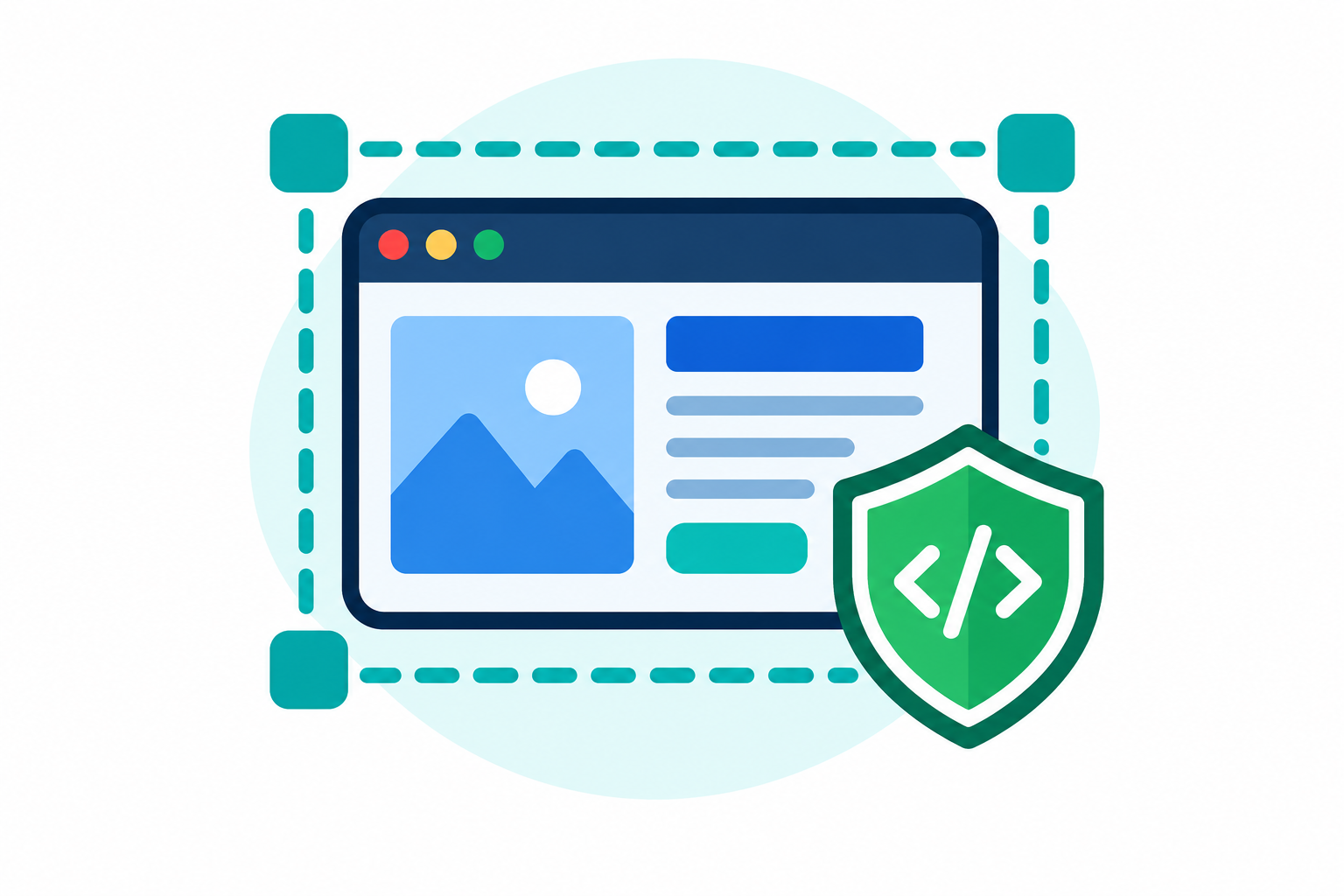
Front-End Isolation
Learn how to separate API data problems from UI presentation bugs using browser tools
Defensive Coding
Write JavaScript logic that never crashes or shows blank screens when backend payloads change

User Experience (UX)
Understand how empty state UI cards keep users informed rather than leaving them confused
Frequently Asked Questions
Find answers to the most common questions about this internship.
Why does UI show blank space when API returns 200 OK?
HTTP 200 OK means server communication succeeded. If data keys are missing or array lengths are zero, UI code fails to render content unless defensive rendering logic is added.
Do I need backend node.js experience for this program?
No. This program focuses entirely on front-end data consumption, browser dev tools inspection, and JS rendering logic.
What project will I build by Day 45?
You will build and bug-fix a Live Order Status Dashboard that safely handles missing API fields and empty data lists.
Certificates & Documents
Complete the internship and earn certificates that add real value to your career.
Internship Certificate
Shareable certificate to boost your professional profile
Internship Completion Letter
Official experience letter for your academic & career growth
Completion Rules
Follow these requirements to earn your certificate & letter
Internship Completion Certificate - Complete 45 days, submit daily assignments and final dashboard project
Project Execution Report - Submit documented proof of fixed API UI bugs and dashboard code
Learn from Industry Experts
Get guidance, practical insights, and career support from experienced mentors throughout this internship.

Rajesh Kulkarni
Rajesh is a software development mentor with 12 years of experience in PHP, Laravel, JavaScript, and MySQL. He specializes in helping students understand real-world application architecture, backend development, database design, and practical software engineering workflows.

Priya Deshmukh
Priya has 9 years of experience working with Python, SQL, Power BI, and machine learning. She guides students through data cleaning, exploratory analysis, dashboard development, and data-driven problem-solving using practical business datasets.

Amit Shah
Amit is a cloud technology specialist with 14 years of experience in AWS, Azure, Linux, and cloud infrastructure. He helps students learn cloud fundamentals, application deployment, infrastructure management, monitoring, and cloud security concepts.

Sneha Nair
Sneha has 8 years of experience in user interface design, user research, wireframing, and prototyping. She mentors students in Figma, design systems, accessibility, and creating intuitive digital experiences for websites and mobile applications.